NewSIE4 export of approved vouchersSee integrations

Product

All your finance work. One workspace.

Ask, prepare, review and follow up. Styrra does the groundwork. You make the decisions.

Start free

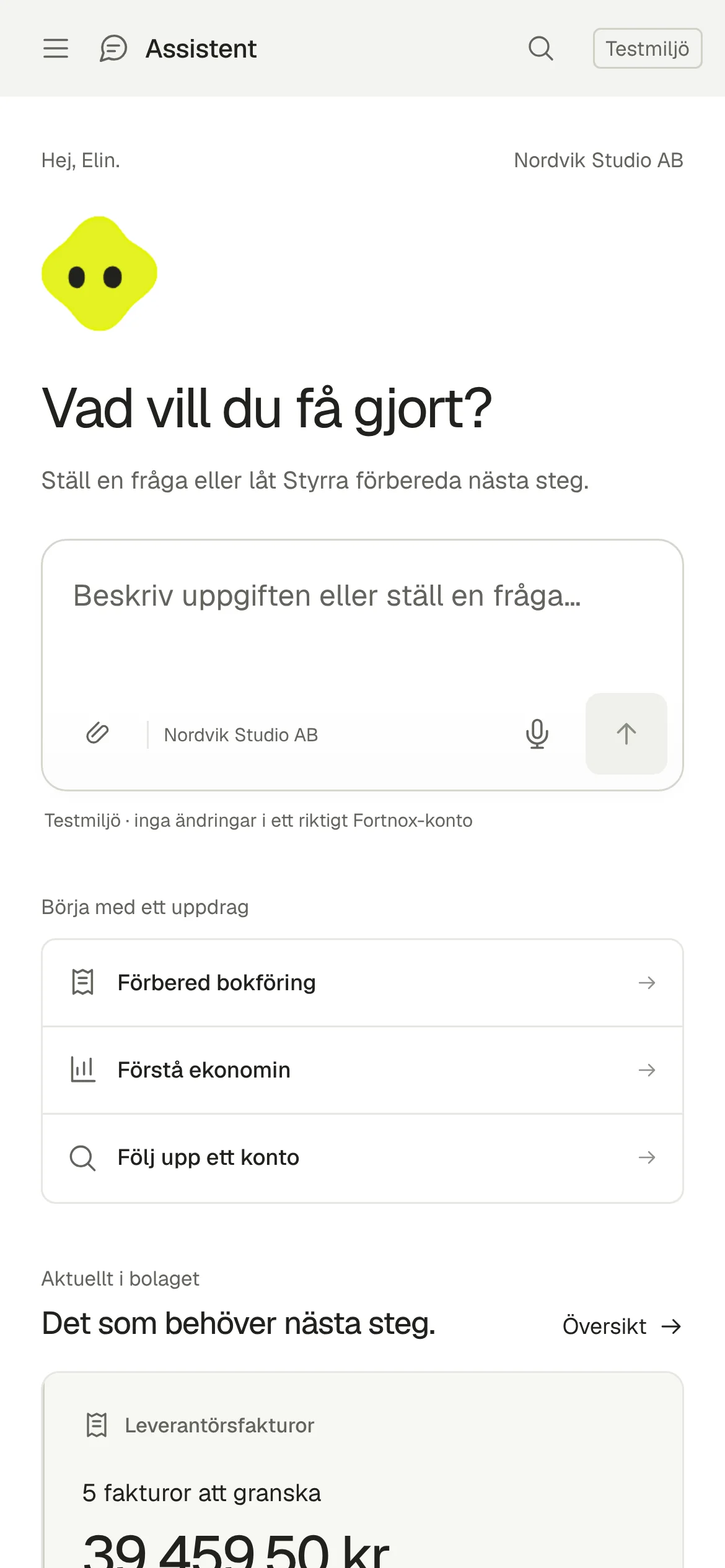
Assistant. Start with a question or a task in Styrra. Actual screenshot · Nordvik Studio AB in Styrra simulator · Swedish app interface.

Assistant · Actual screenshot from the test environment, Nordvik Studio AB

From question to work done

Three steps, the same every time.

  1. 01

    Ask or assign a task

    Ask about the numbers or have Styrra book the invoices that came in.

  2. 02

    Styrra prepares and checks

    The record is fetched, the coding proposed and every line validated before you see it.

  3. 03

    You review and approve

    See the proposal with its record and checks. Approve, reject or ask for a change.

Assistant

Start with a question or a task

Write as you would to a colleague. Styrra knows which company you are in and what it may do there.
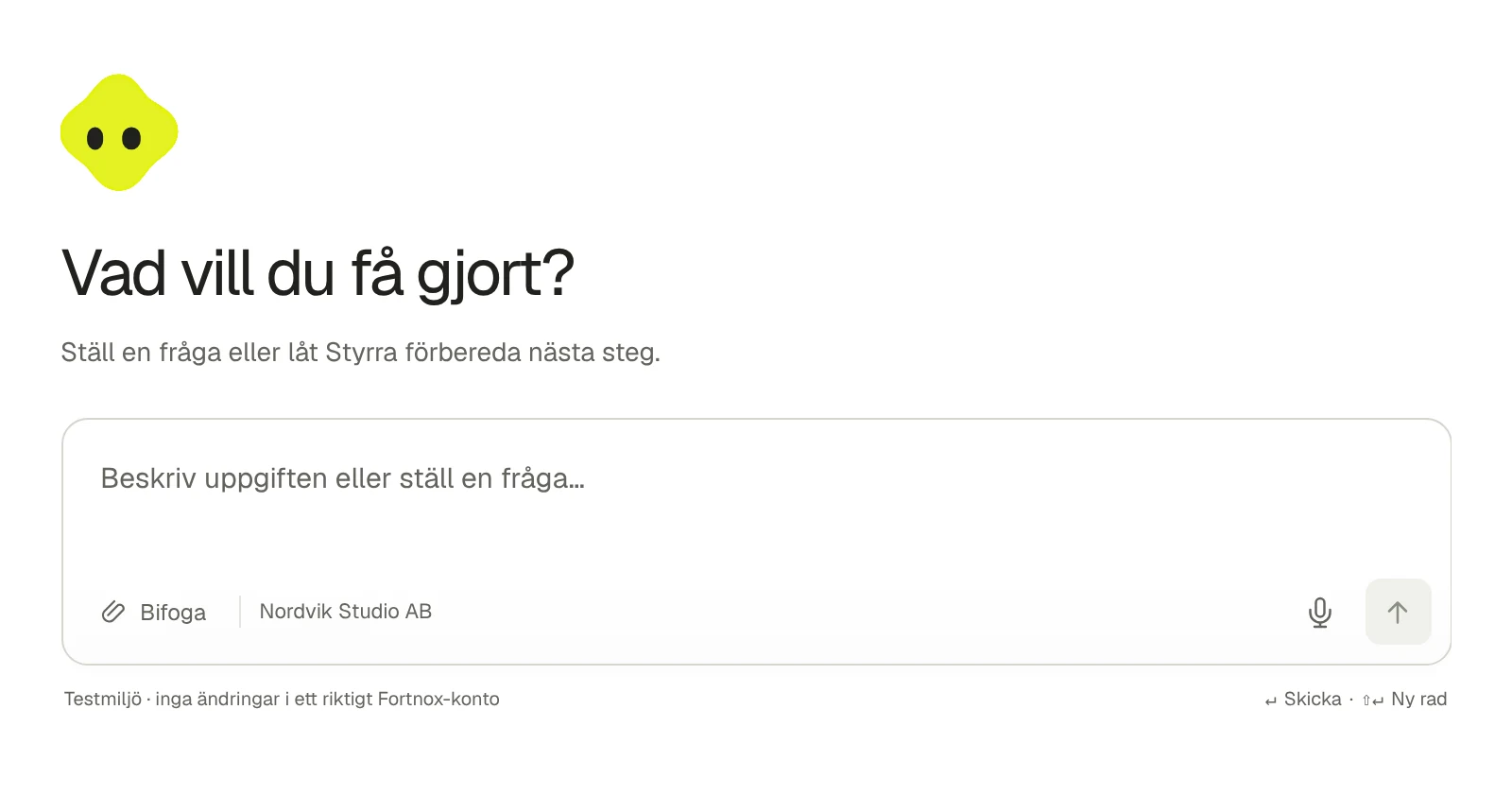
  • Questions about balances, results and accounts
  • Tasks such as “book the supplier invoices”
  • Answers with the record linked
The assistant home: type a question or a task. Actual screenshot from the test environment.

Records

Every record in one place

Invoices, documents and vouchers from your system, with a status for each item.
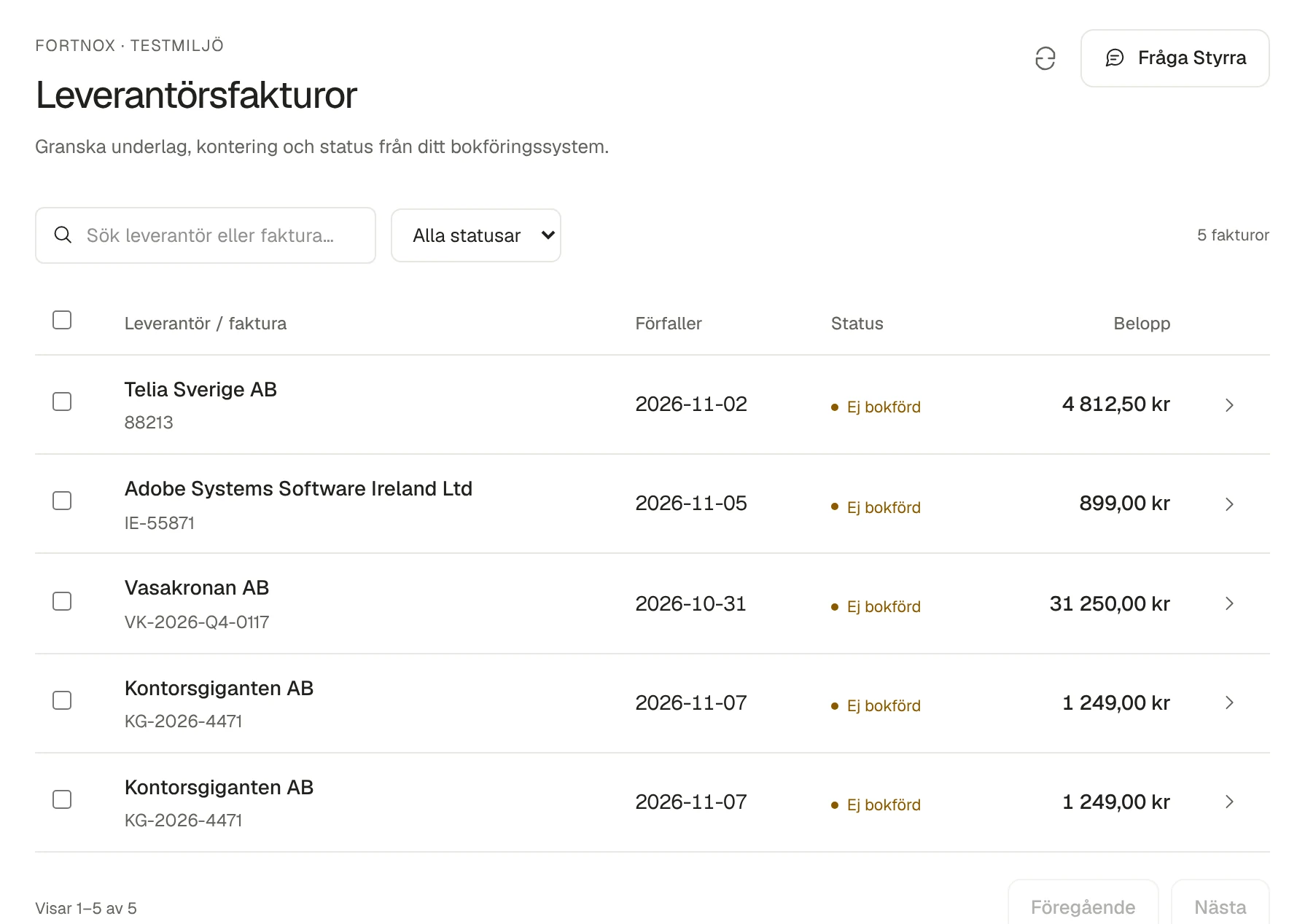
  • Supplier invoices with due date and status
  • Vouchers, accounts and ledger
  • One click from amount to document
Supplier invoices in Records, with due date, status and amount. Actual screenshot from the test environment.

Proposals

Proposals you can review

Every voucher is presented with accounts, amounts and checks. Nothing is posted until you approve.

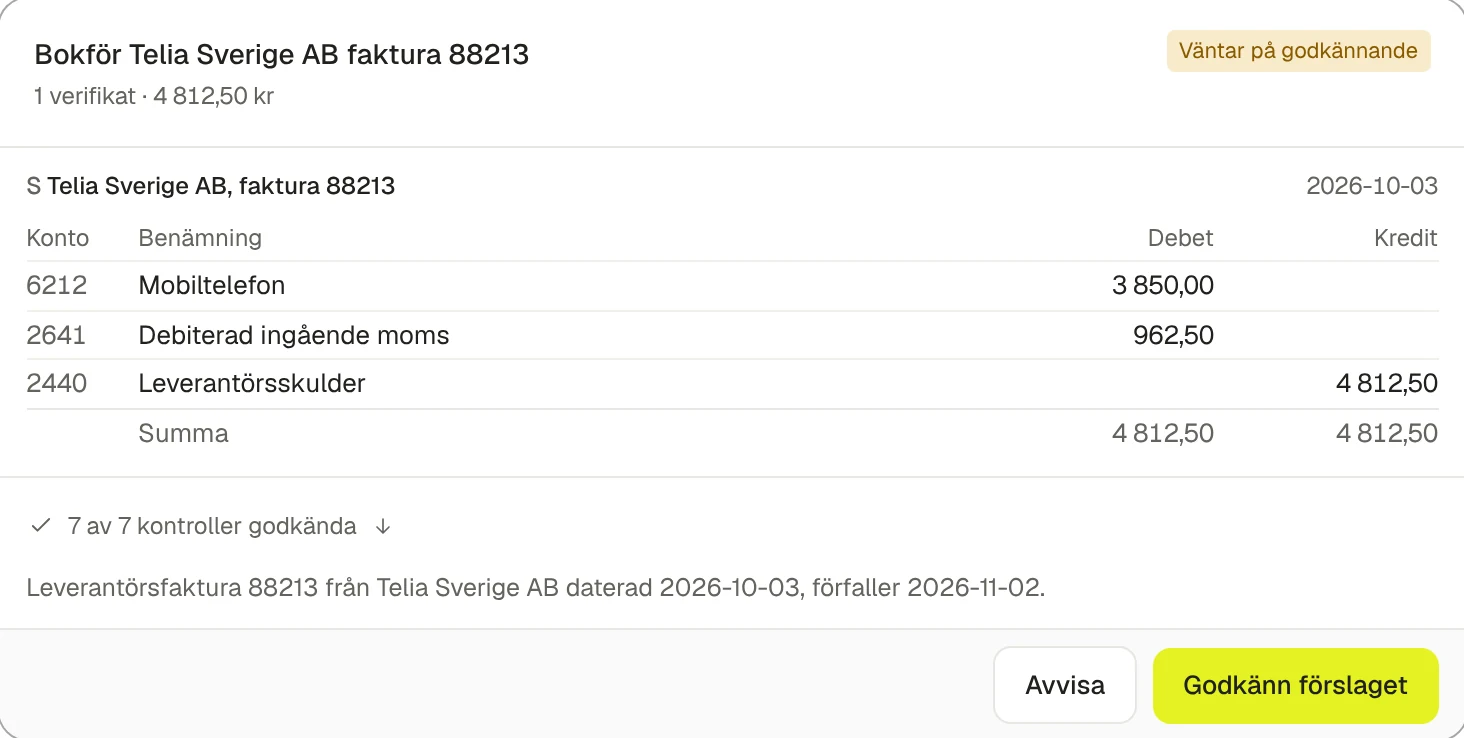
  • Debit and credit balanced, in whole öre
  • Account, period, VAT and duplicates checked
  • Approve or reject in one click
Proposed voucher for the Telia invoice, seven of seven checks passed. Actual screenshot from the test environment.

Reports

Understand the numbers behind the amounts

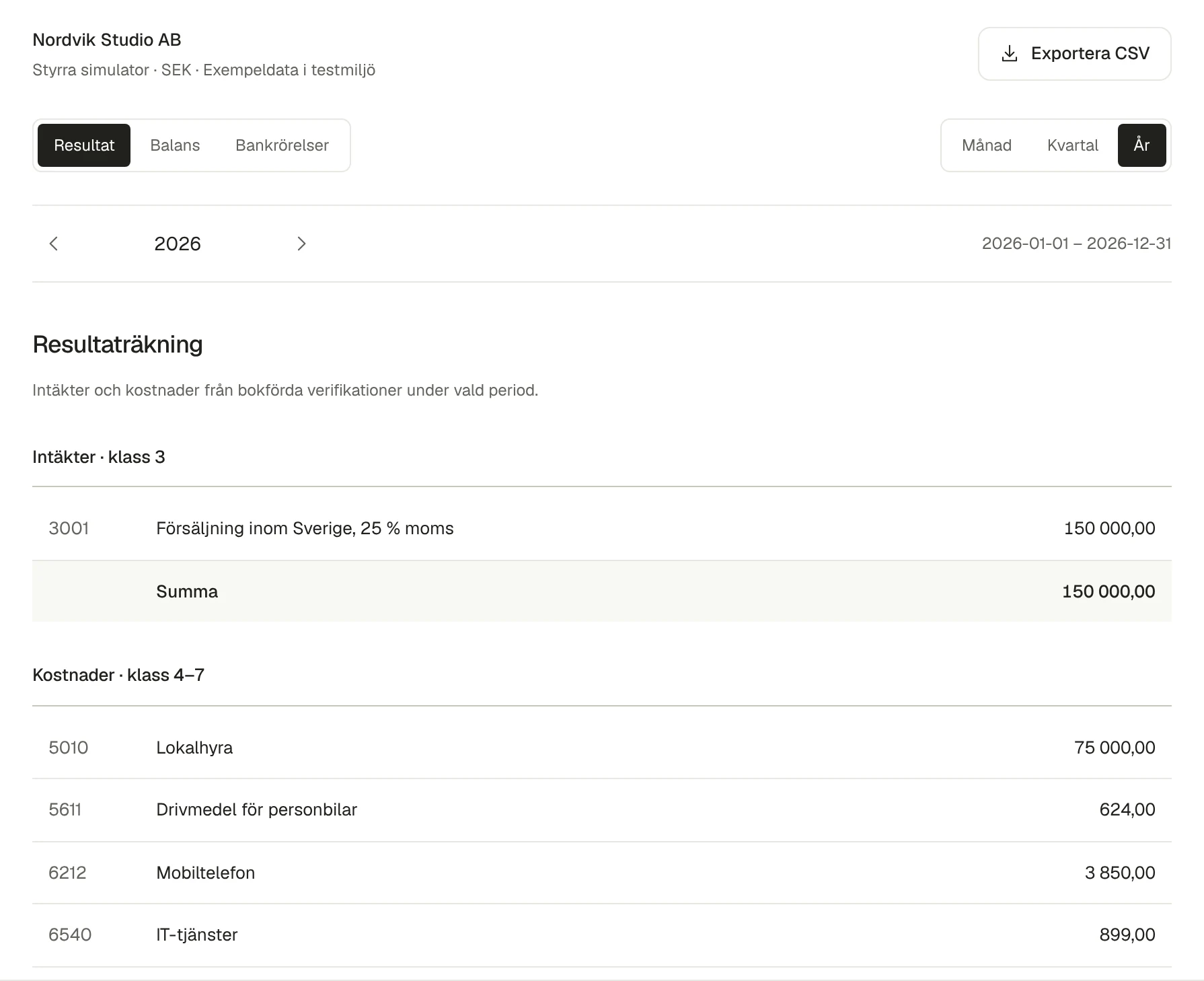
Income statement and balance sheet by month, quarter or year. Open the account behind every line.
  • Built on posted vouchers
  • Export to CSV
  • Ask the assistant about anomalies
The 2026 income statement from posted vouchers. Actual screenshot from the test environment.

Work

See what is waiting and what is done

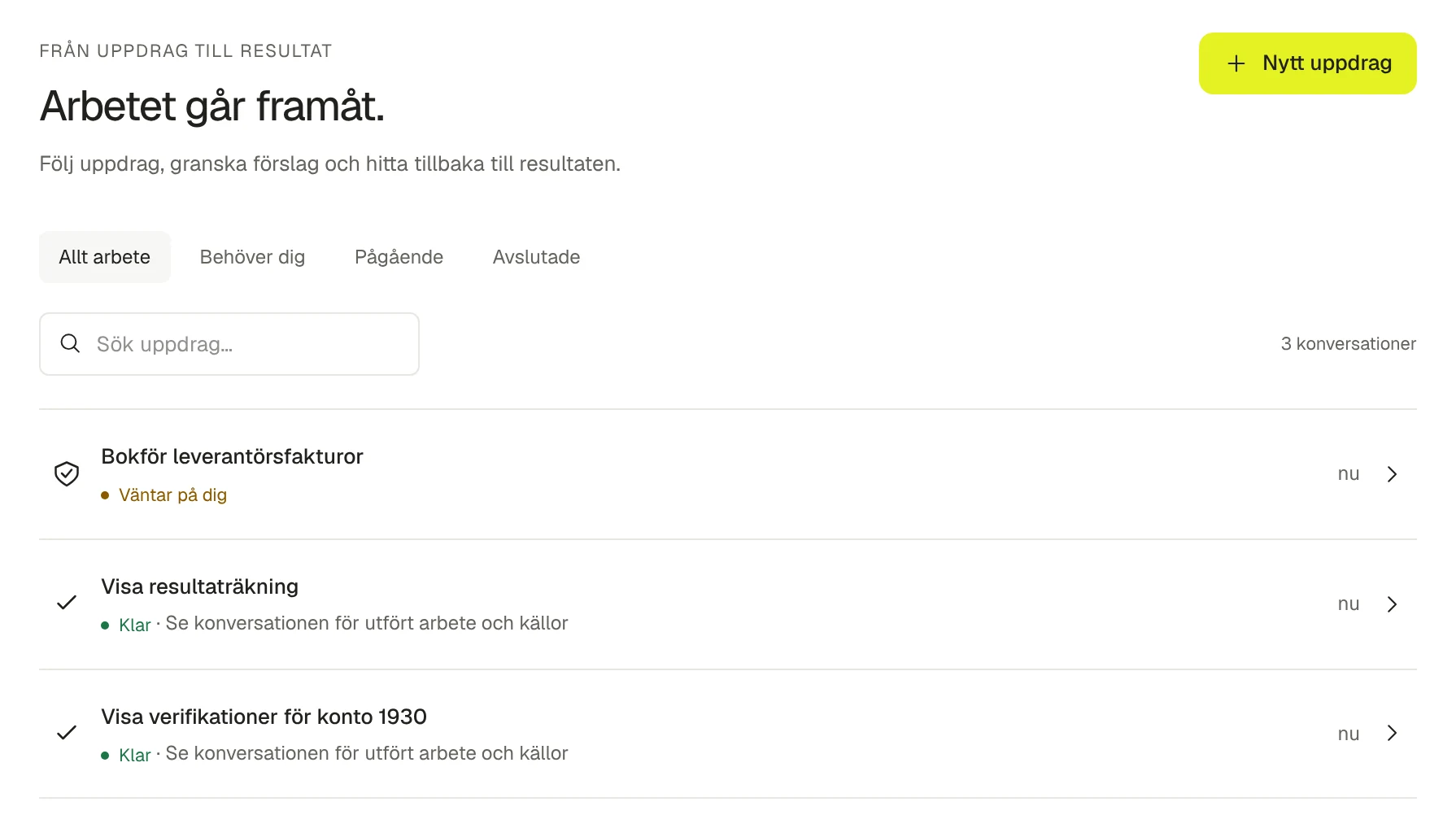
Tasks, proposals awaiting approval and items that need attention, gathered in one queue.
  • Awaiting approval, in progress and done
  • Month-end close and follow-up
  • An audit log of everything that happened
The work queue: one task awaits review and two are done. Actual screenshot from the test environment.

You decide how far Styrra goes

Every company has a policy. It applies whatever a document or email says.

Control and security
Propose
Everything waits for your approval. The default for every company.
Automatic within limits
Styrra posts on its own below an amount you set. From Start.
Autopilot
Posts when validation is green. Requires Growth or higher.
Two approvers
Require a second reviewer above an amount you choose.

Read on

S4

Integrations

Accounting systems, SIE4, MCP and sources.

Read more

Control and security

Permissions, validation and audit log.

Read more

Plans and credits

Start free. Pay for work, not seats.

Read more

See the product with your numbers

Book a walkthrough and we will show Styrra with a SIE4 export from your company or in the test environment.

Start with your first question

Start freeBook a walkthrough